
Digitization workshop
A warm welcome to the Digitalization Workshop at the Institute of Civil Engineering.
In the Digitalization Workshop—an extension of the Model-Building Workshop—students have the opportunity to work on individual and group assignments from their coursework. These include the documentation and digital presentation of projects, as well as supplementing model-building activities with additive manufacturing using 3D printing techniques. The workshop is divided into four areas: (1) A photo studio for documenting projects and for (2) photogrammetry, (3) FDM printers for producing physical models from CAD software, and (4) AR and VR equipment.
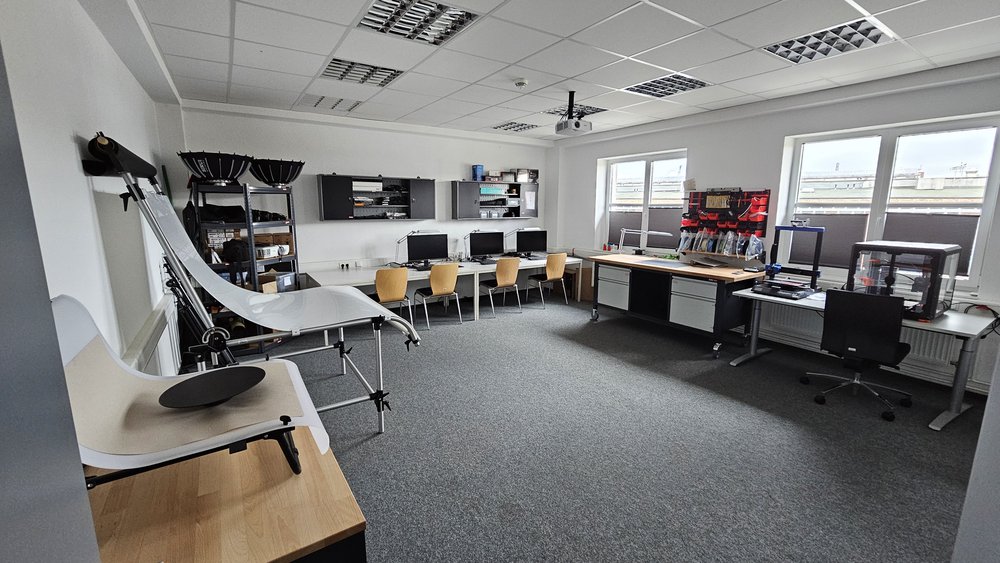
Photo Studio
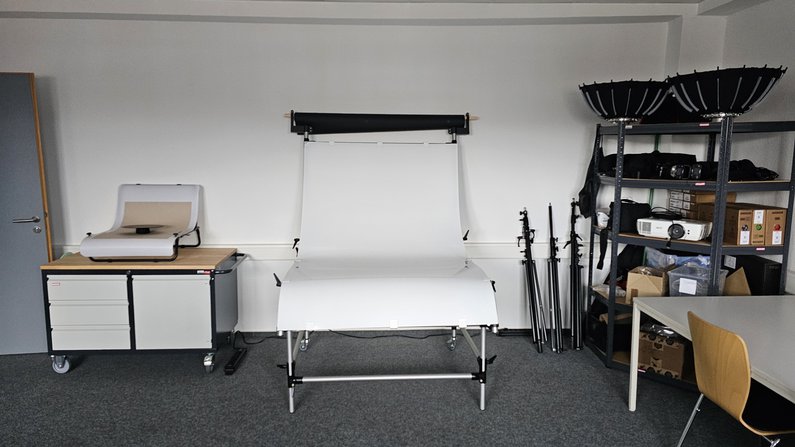
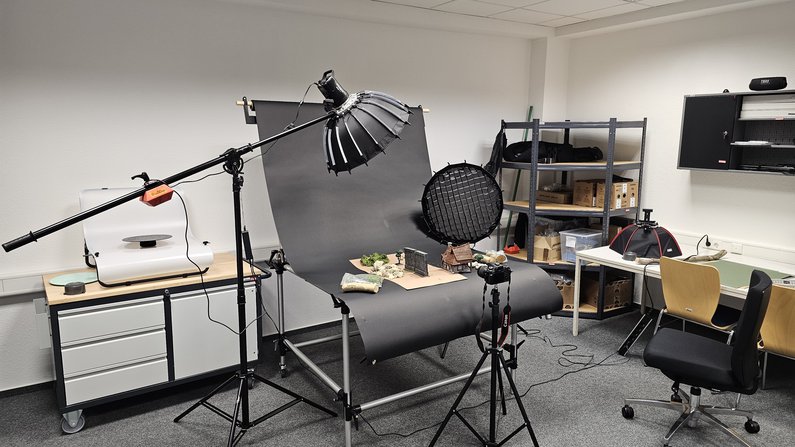
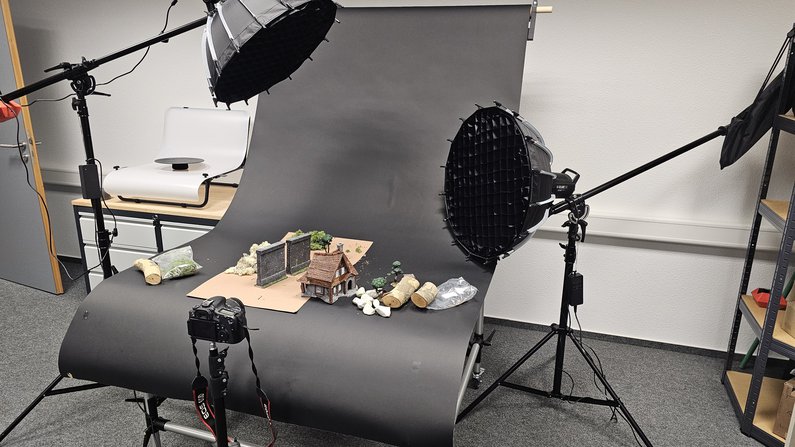
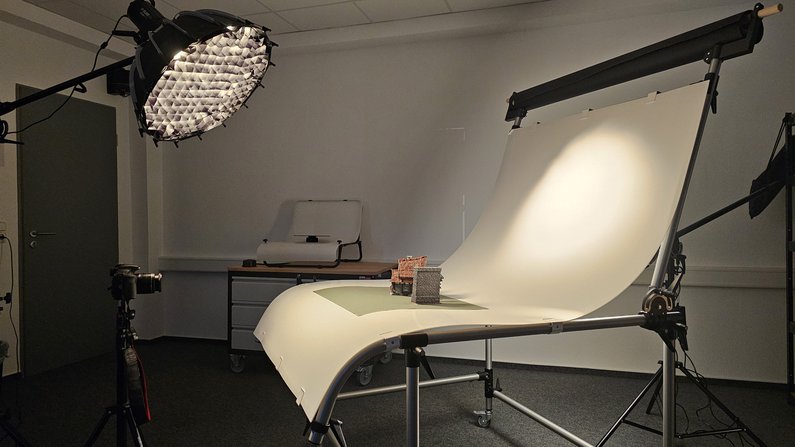
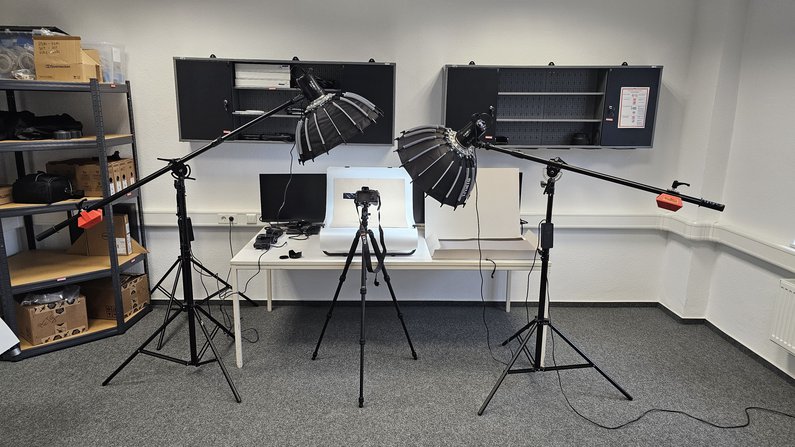
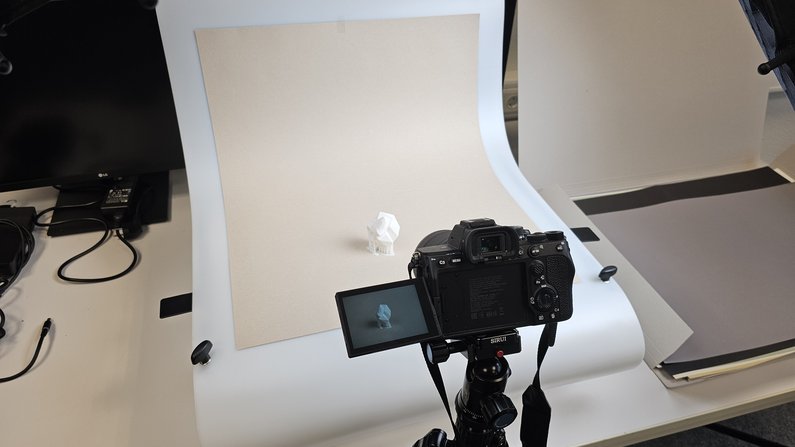
Students have the opportunity to document their work in a specially equipped photography studio. Both a large and a small cove are available for this purpose and can be used depending on the requirements of the subject.
The photo studio is professionally equipped and features LED spotlights for precise and even lighting, boom stands for flexible lighting setups from above, as well as tripods, diffusers, and reflectors to precisely control the light and create soft shadows. This allows for high-quality images to be captured under optimal conditions.


Additive Manufacturing (3D Printing)
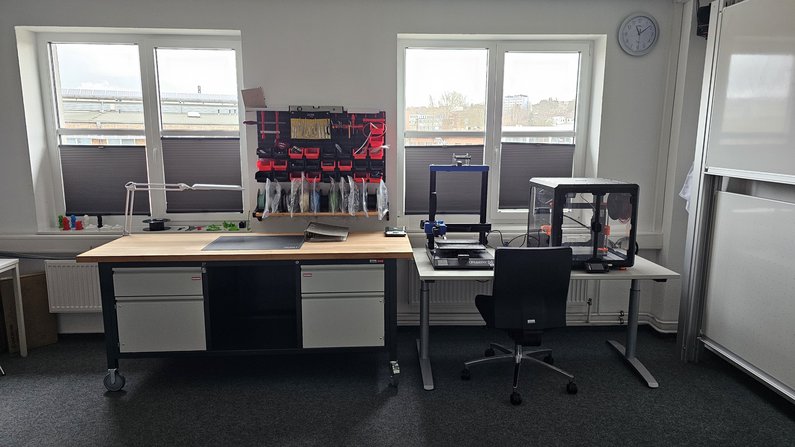
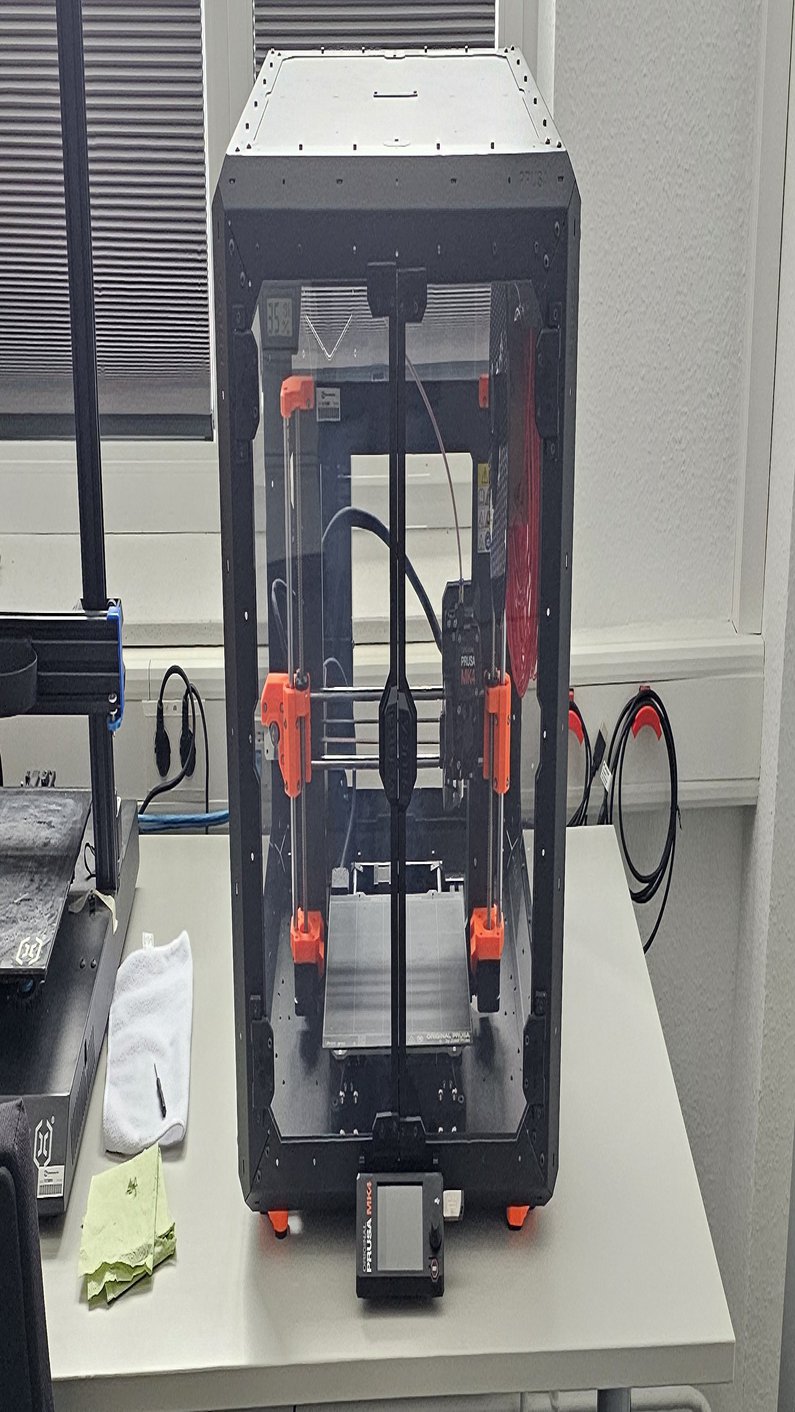
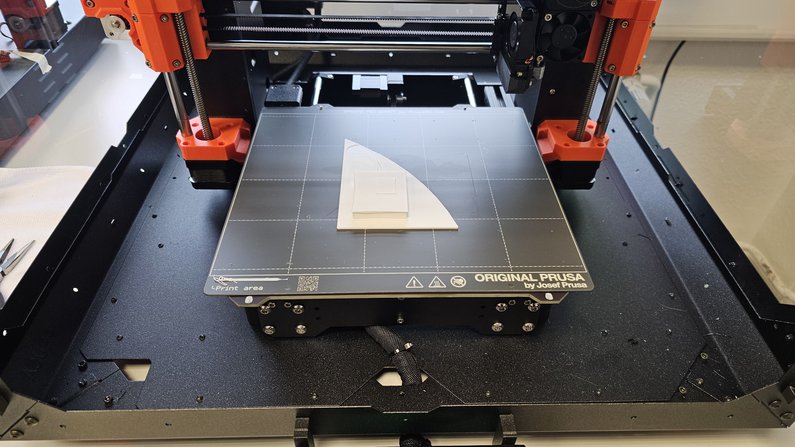
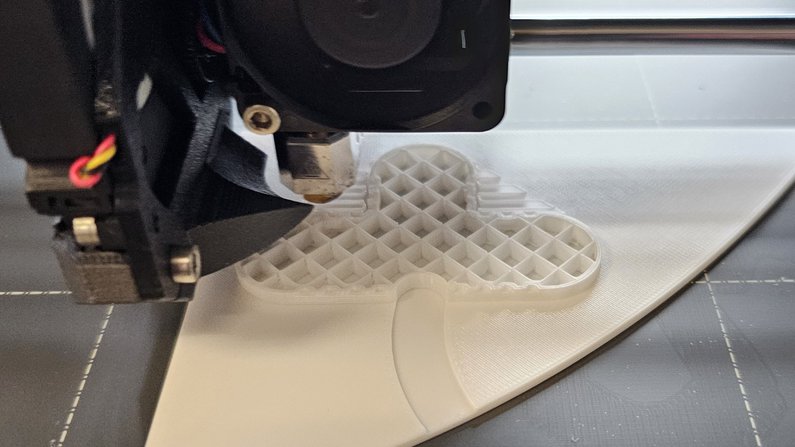
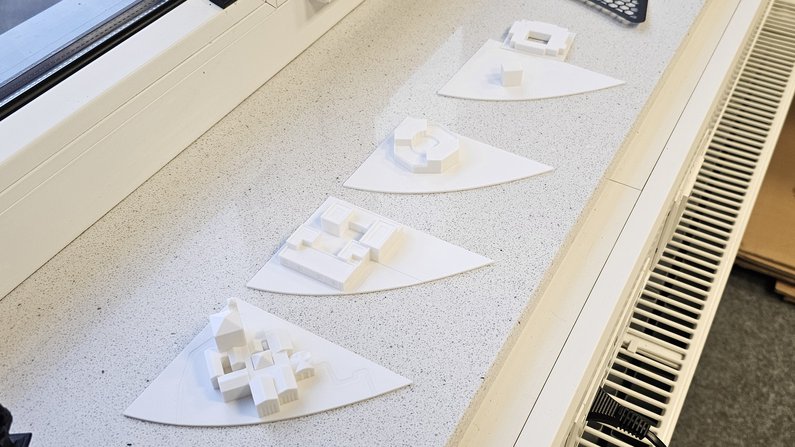
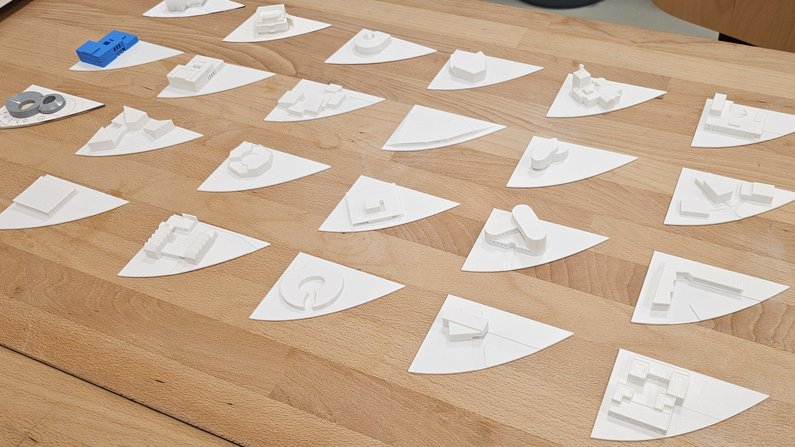
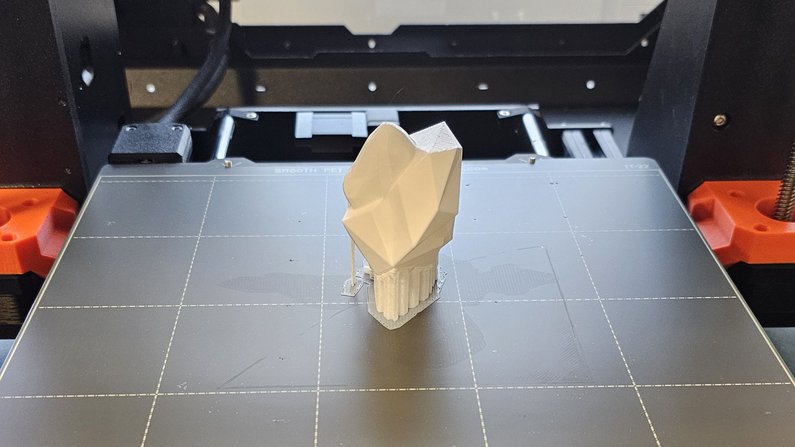
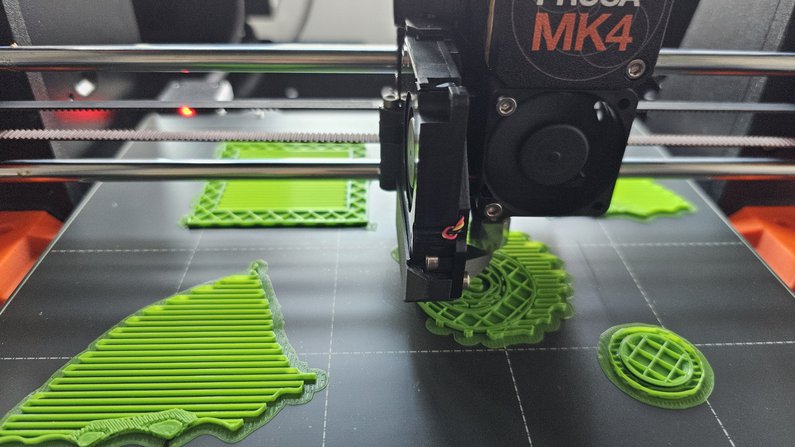
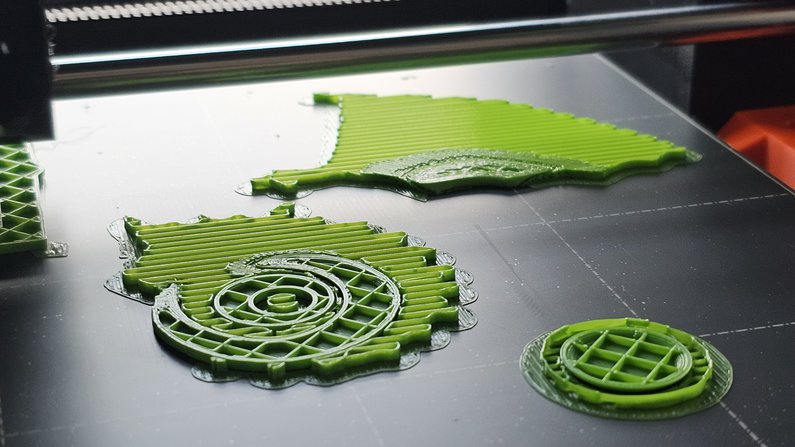
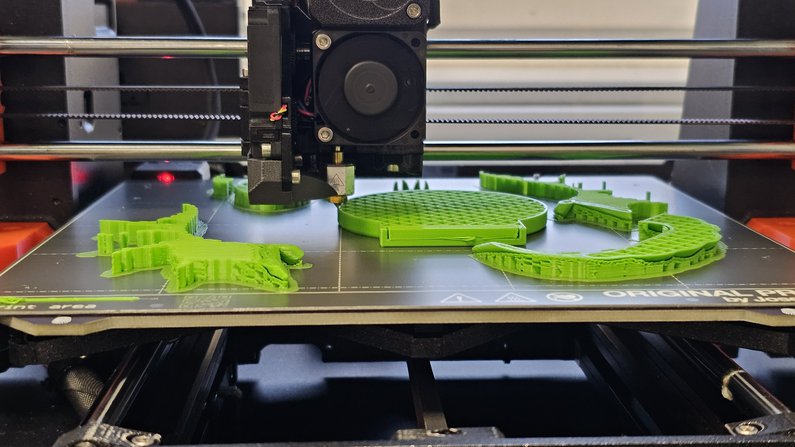
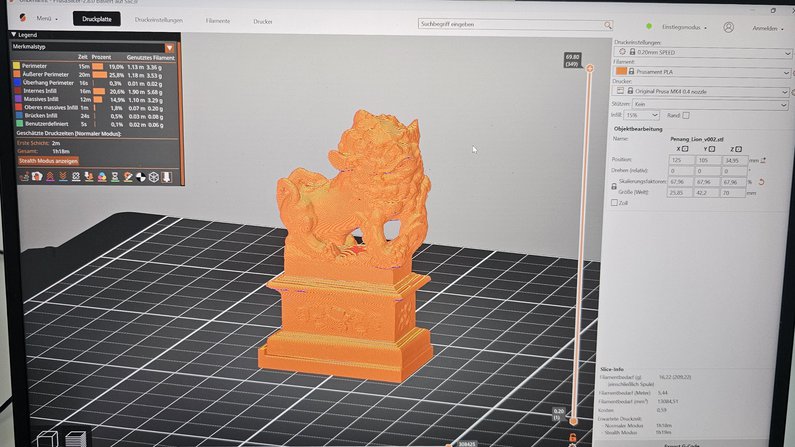
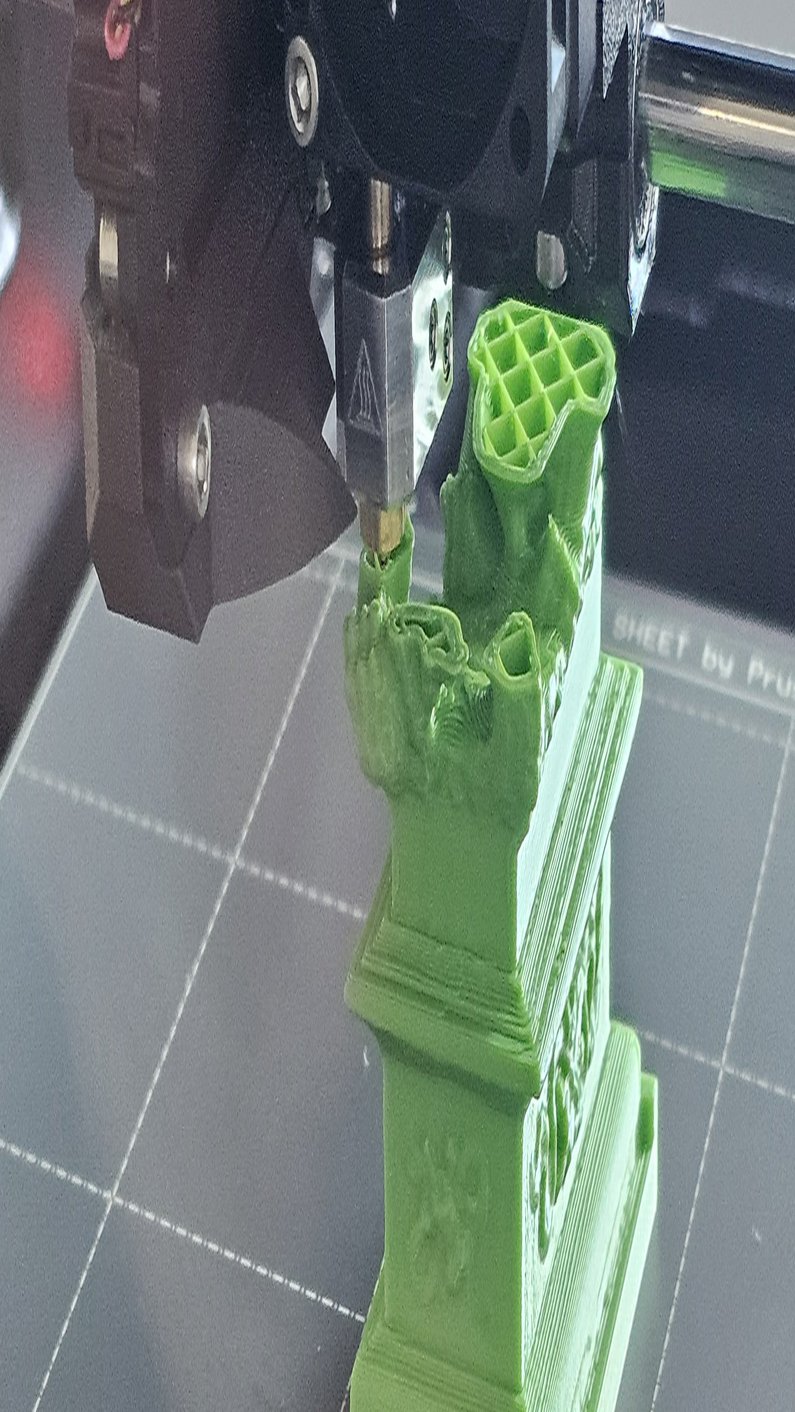
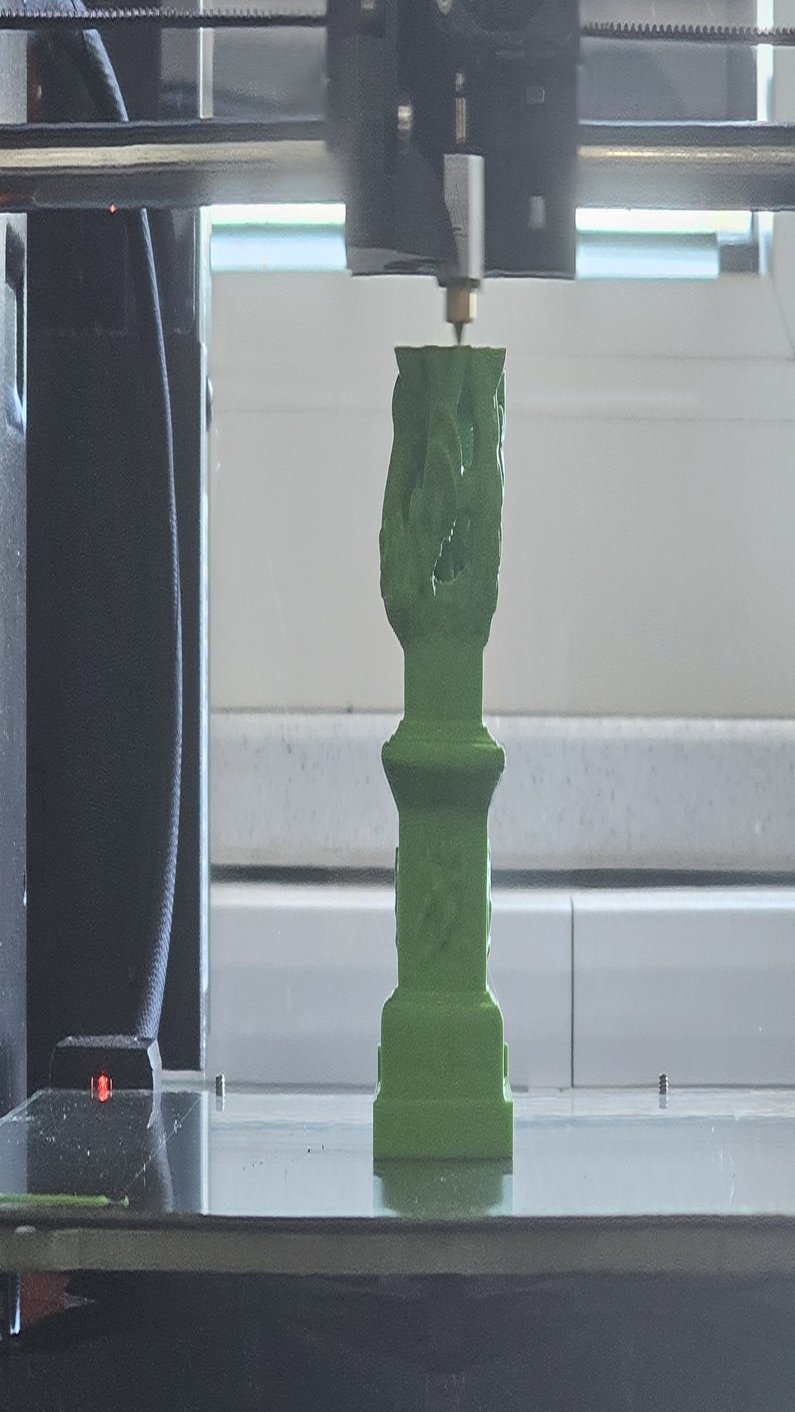
Students have the opportunity to bring their models and designs to life using additive manufacturing via the FDM process. An FDM 3D printer is available for this purpose, which primarily prints with PLA.
3D printing enables the rapid and precise production of prototypes, concept models, and functional components. The layer-by-layer material deposition technique allows for the creation of detailed structures and custom designs. This allows students to bring their ideas to life and create physical models early in the development phase to test form, function, and tactile qualities.


Photogrammetry (Digital Twins)
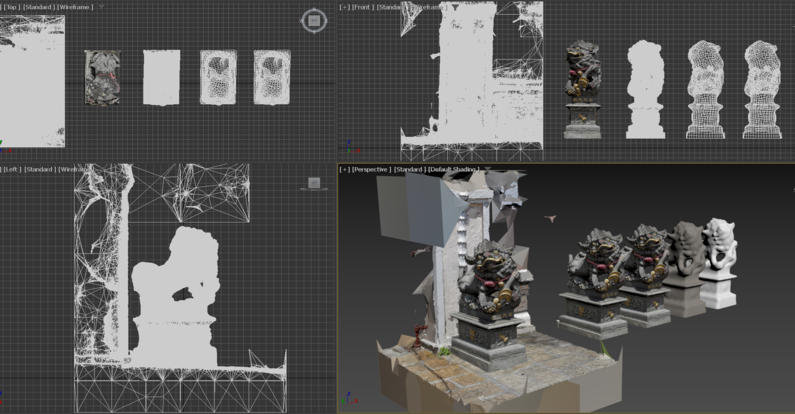
Students have the opportunity to explore photogrammetry—a technique used to generate three-dimensional models from photographs. The 3D scan can be performed using simple tools, such as a smartphone, or more professionally with a high-resolution camera.
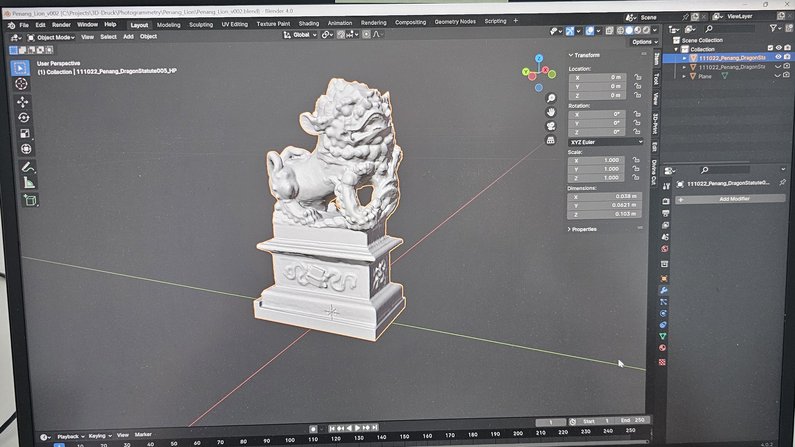
Software such as RealityCapture or Meshroom is available for generating the 3D models. The resulting scans can then be further processed and optimized in Blender or 3ds Max —for example, for 3D printing, use in augmented reality (AR) and virtual reality (VR), or for visual presentation and communication between students and instructors. This offers a forward-looking way to convey complex content in a clear and interactive manner.

Augmented Reality and Virtual Reality - in the planning stages
Students have the opportunity to explore AR and VR —technologies that bring digital content to life in innovative ways.
While VR fully immerses users in a digital environment, AR enhances the real world with virtual elements. These technologies offer new approaches to interactive visualization, simulations, and immersive learning experiences.
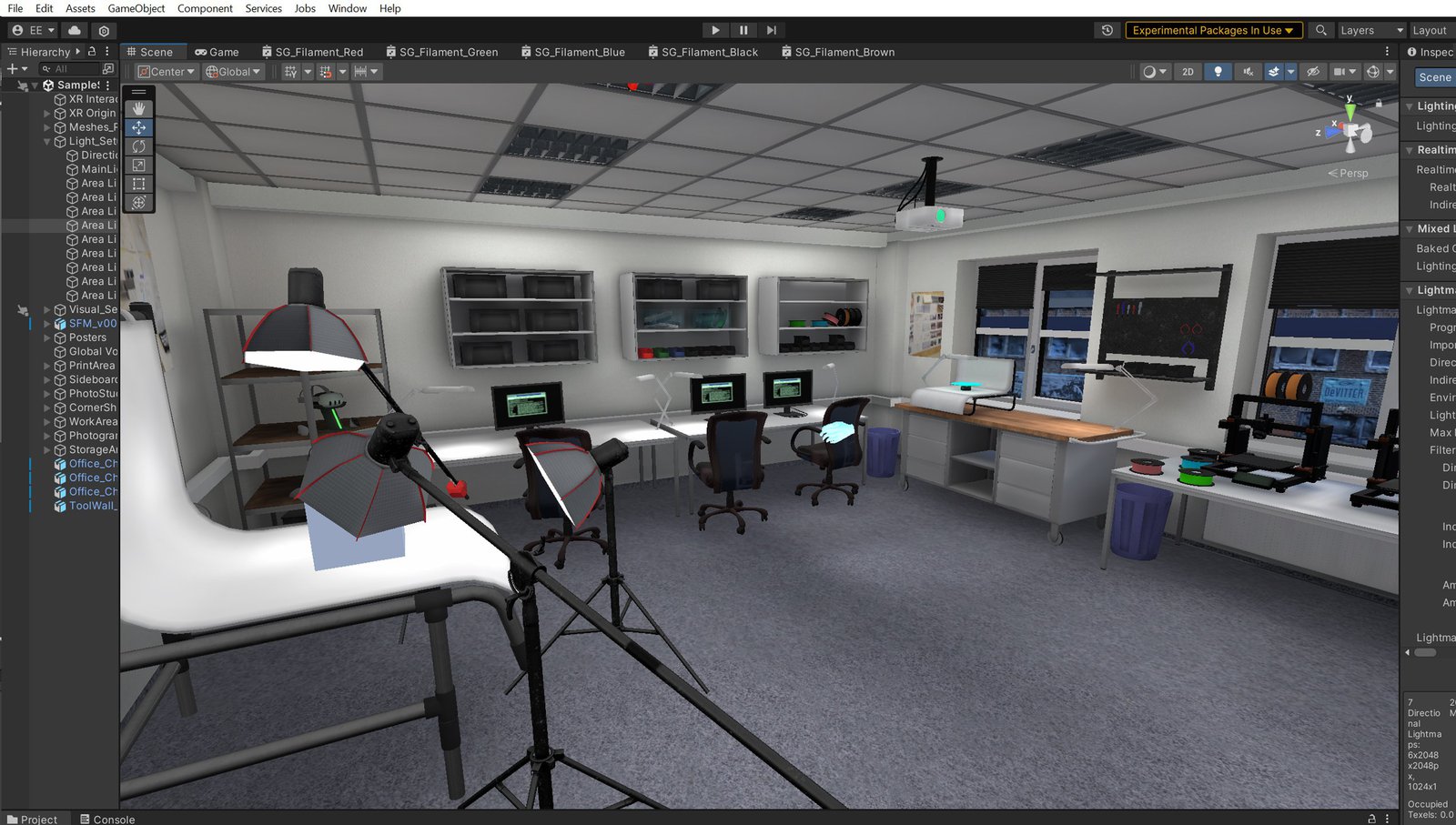
Software such as Blender, 3ds Max, and Unity is available for creating and editing AR and VR content. Students can design their own virtual worlds, optimize objects for AR applications, or develop interactive experiences. This opens up a wide range of possibilities for use in design, art, architecture, education, and research.
Jobs - in the planning stages
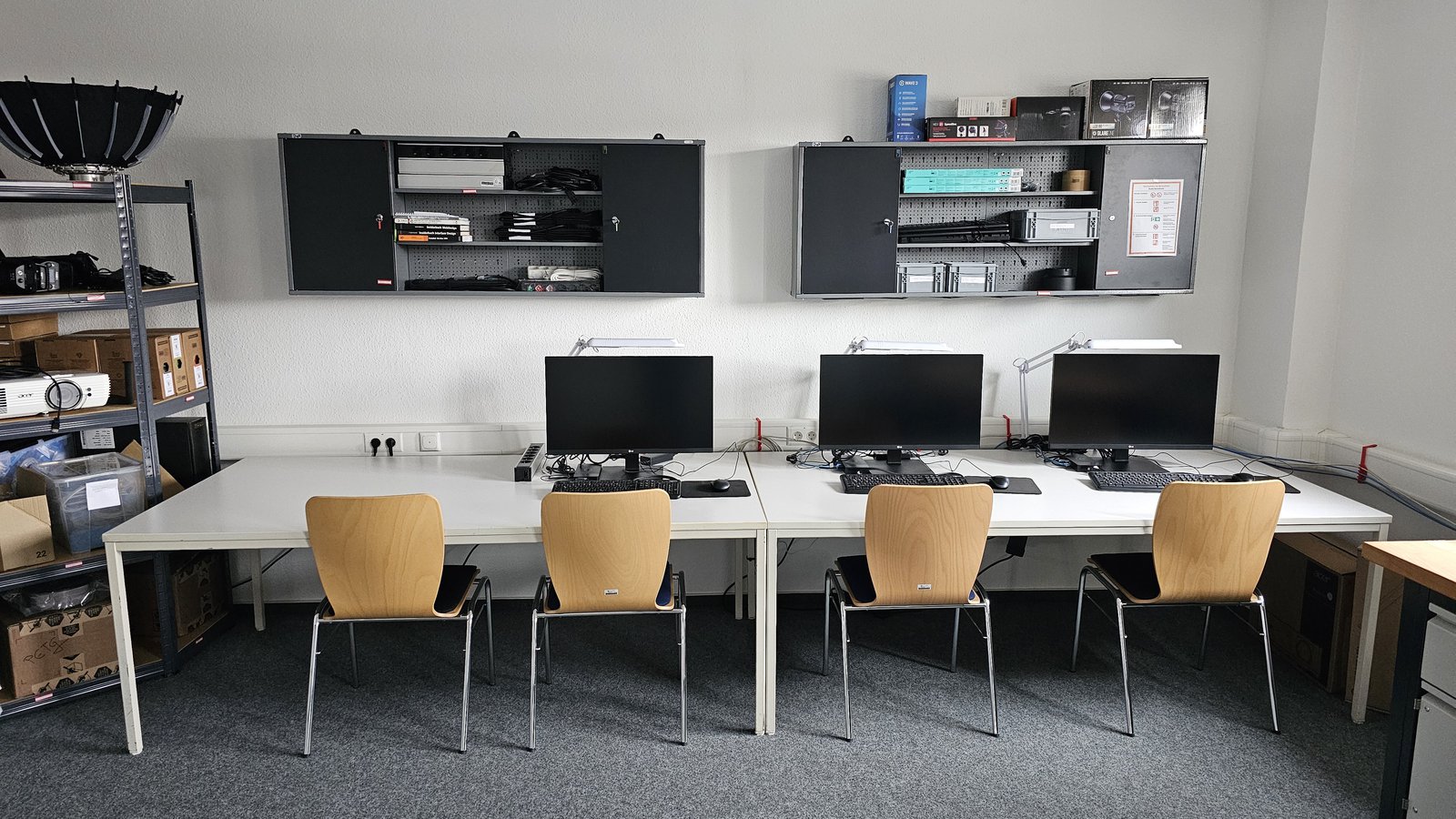
Students have access to three fully equipped workstations where they can work with various 3D, architecture, and visualization programs. Here, they can use software such as Archicad, Allplan, Blender, 3ds Max, Unity, Unreal Engine, and RealityCapture to create, optimize, and visualize their projects.
Each workstation is equipped with a high-performance laptop, an additional monitor, and an external keyboard and mouse. This enables comfortable and efficient work, whether for architectural design, modeling, animation, rendering, or interactive development.
Using the Digitalization Workshop
The opening hours of the Digitization Workshop are posted on the door to the Digitization Workshop.
A preliminary orientation is required to use the workshop. In addition, a consent form must be signed. Before your visit, you must contact the workshop director by email.